Client Area
FAQ
How do I request retouching?
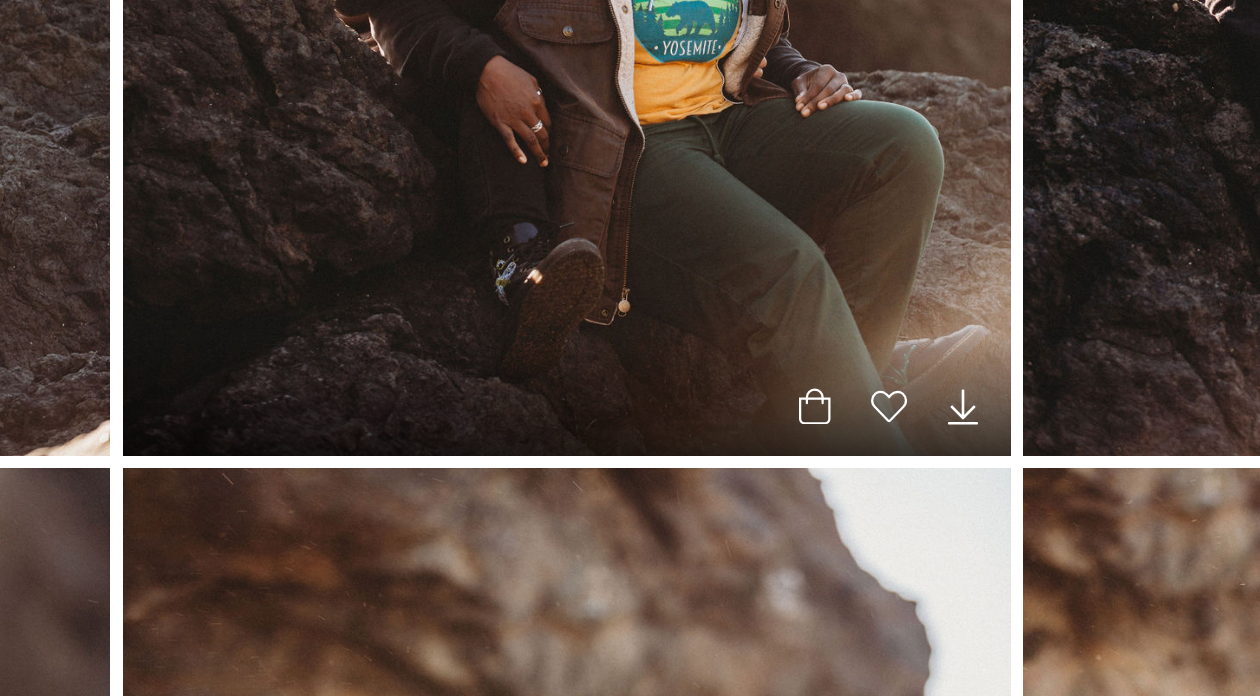
Click the "Heart" button
Click the heart button on the image you want to request retouching on. The heart button is located at the bottom of the image in between the "Shop" button and the "Download" button. If you don't see those options, make sure your mouse cursor is on the image.
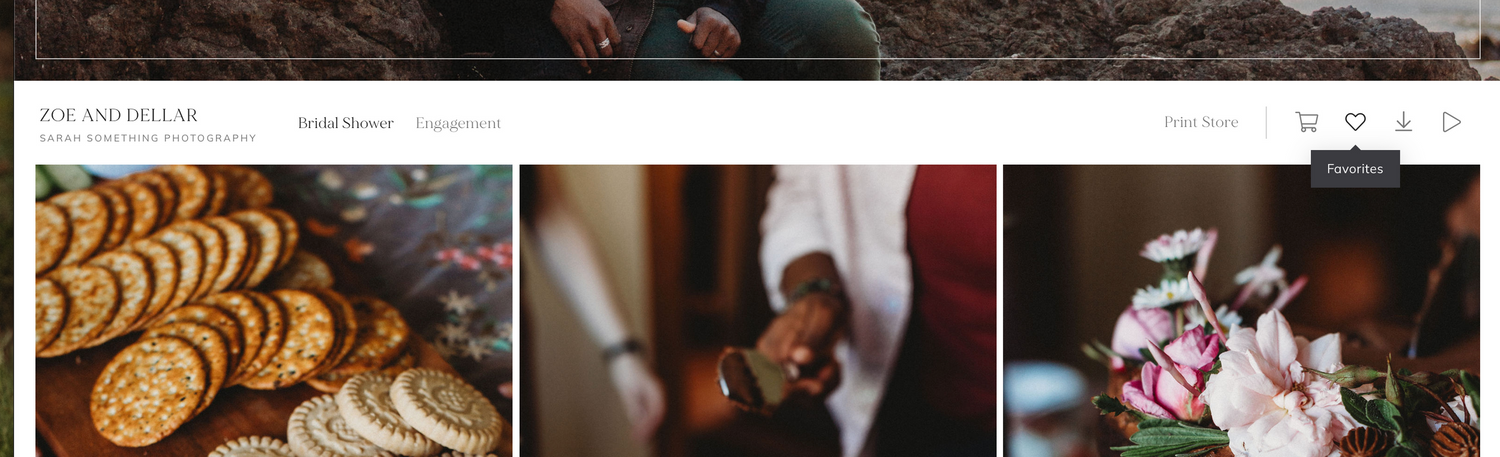
Scroll to the top of the page and click the "Heart" button
Scroll back up to the top where your gallery name and cover photo are and press the "Heart" button - this is your favorites list.
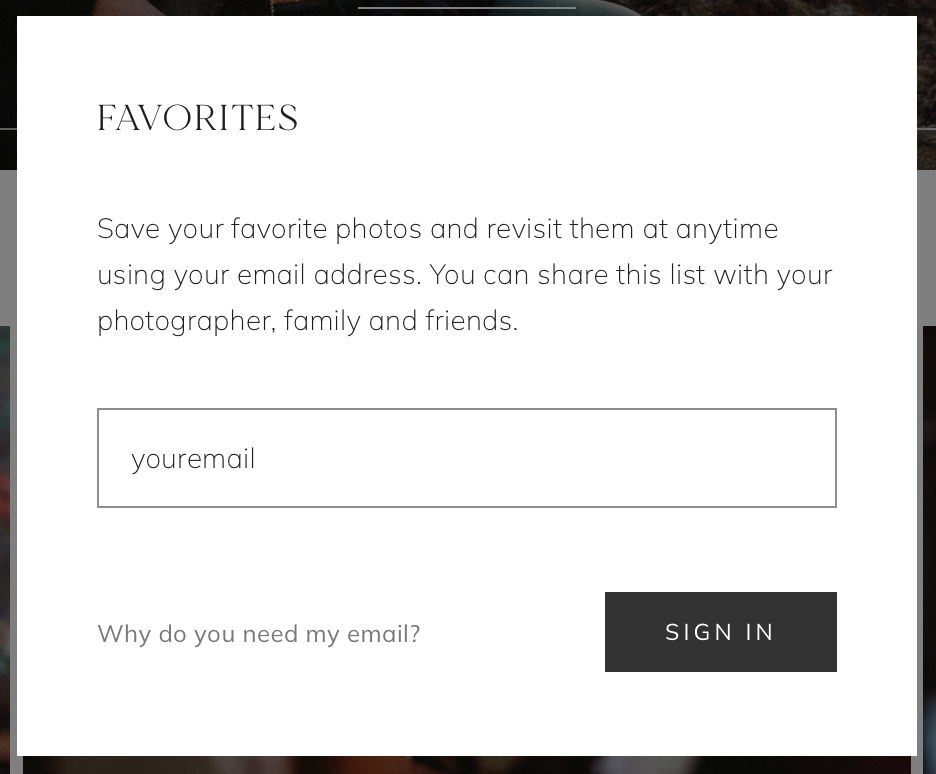
Sign in
Type in your email and press the "Sign In" button.
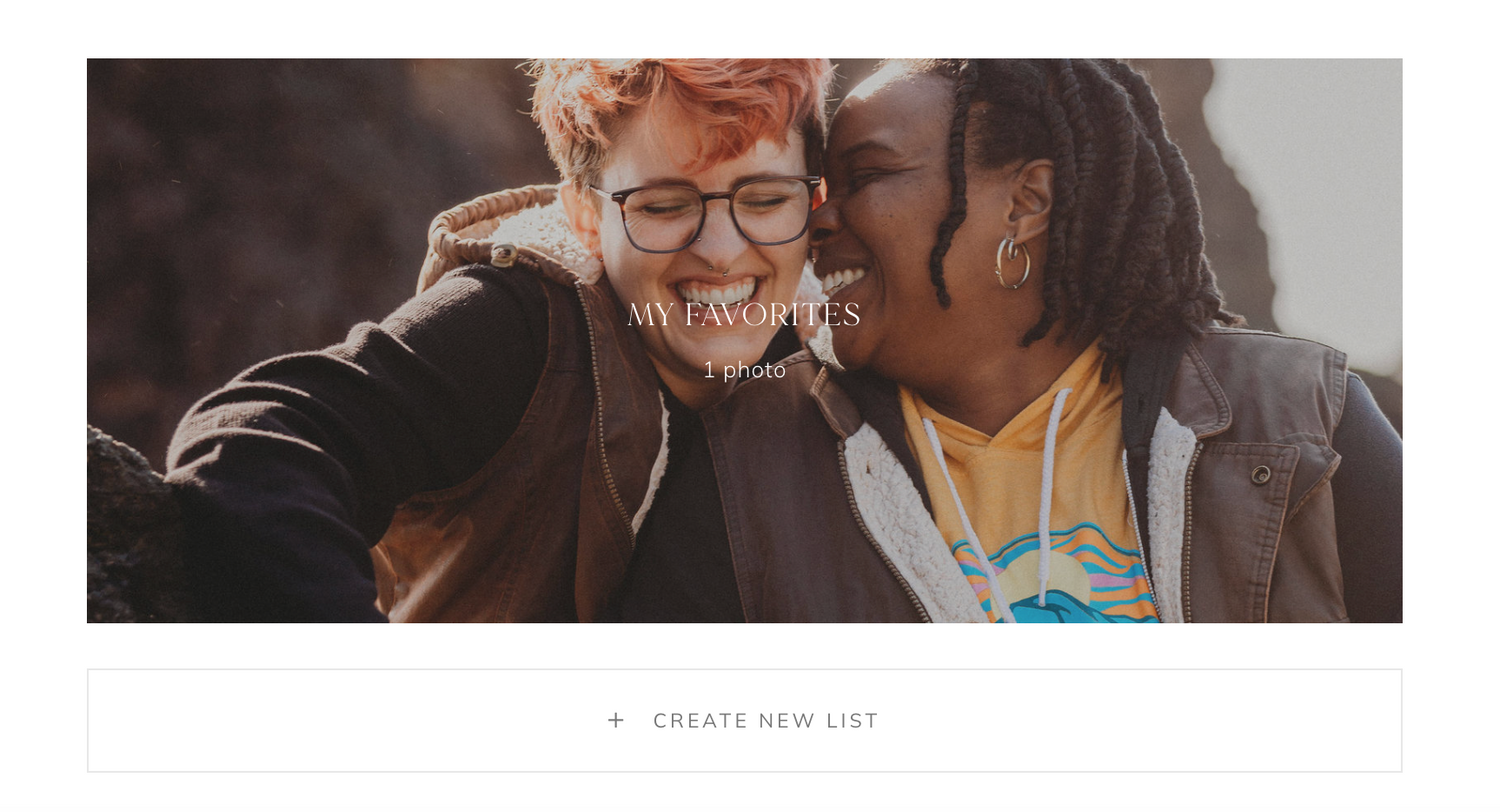
Click the image that says "My Favorites"
This is your favorites list. Any images you "heart" will appear in this folder.
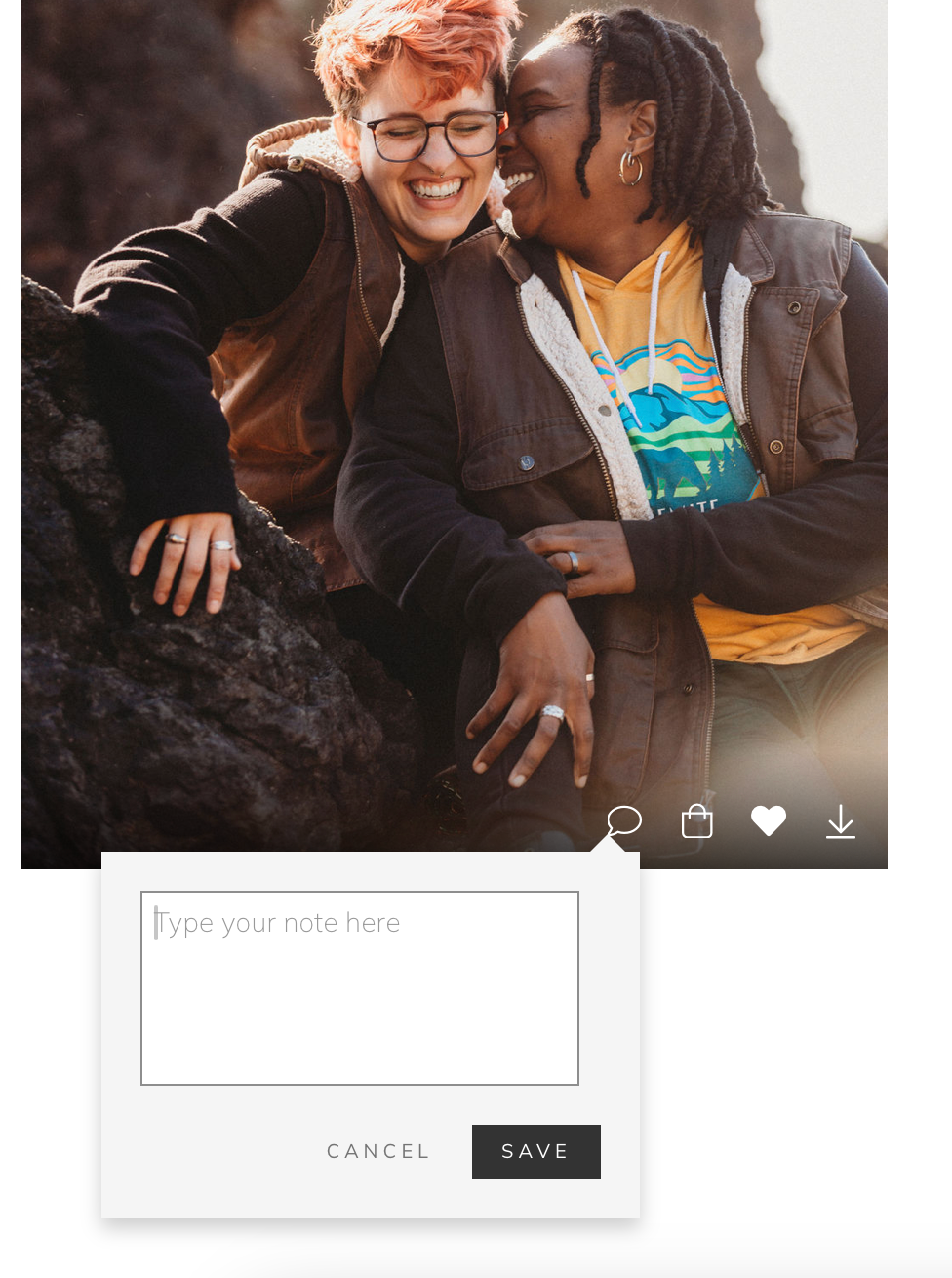
Click the "Speech Bubble" button and write!
Here is where you can write down whatever retouching you would like to be done to this specific image. (IE: Can you remove the piece of lint from my sweater? Can you remove the bruise from my arm? Etc) Make sure to hit save!